In this post i will share night glow effect Prompt for ChatGPT. You can turn your normal photo into cinematic night glow effect.
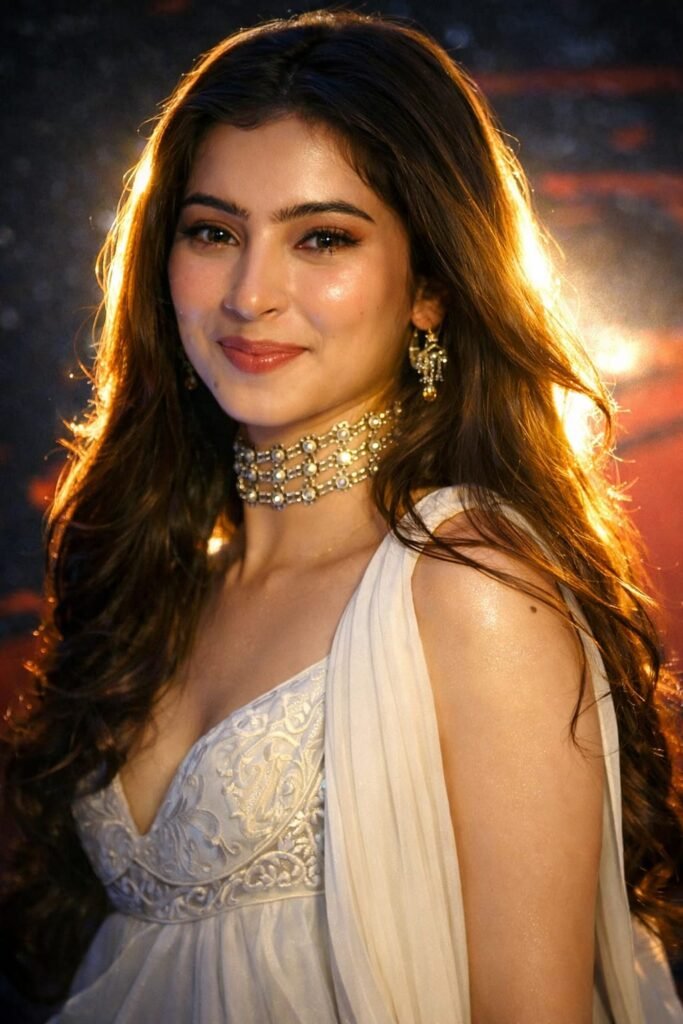
Apply a bold night-flash aesthetic to the

1,725 uploaded photo while fully preserving every detail of the photo unchanged except for lighting, glow, and color mood. Keep the nighttime environment dark, deep, and unlit, maintaining all existing shadows. Illuminate the subject with a strong, warm, and direct front-facing flash. The flash should be drawn precisely to the face and upper body, making the subject the brightest element in the entire frame. Add diffused sunbeams striking the subject's skin, creating a glowing highlight on cheekbones, nose bridge, lips, and hair strands. Maintain clear separation between bright sunlit areas and soft, deep shadows to create a cinematic high contrast mood. Inject subtle lens bloom, light haze and thin layer of atmospheric glow around the face and shoulder. Render skin with luminous translucency and gentle peachy tones. Make the flashlight come from my back. Hard rule: Do not change the face of

the subject. Do not change the composition and background. Keep maintain aspection ratio as upload image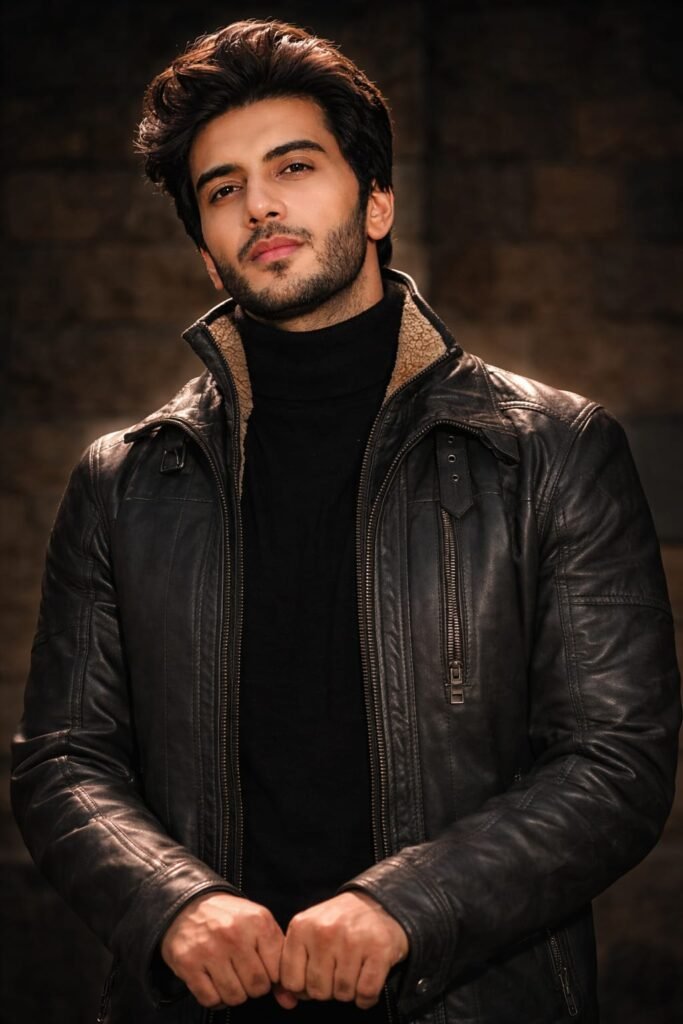
Apply a bold night-flash aesthetic to the1,725 uploaded photo while fully preserving every detail of the photo unchanged except for lighting, glow, and color mood. Keep the nighttime environment dark, deep, and unlit, maintaining all existing shadows. Illuminate the subject with a strong, warm, and direct front-facing flash. The flash should be drawn precisely to the face and upper body, making the subject the brightest element in the entire frame. Add diffused sunbeams striking the subject's skin, creating a glowing highlight on cheekbones, nose bridge, lips, and hair strands. Maintain clear separation between bright sunlit areas and soft, deep shadows to create a cinematic high contrast mood. Inject subtle lens bloom, light haze and thin layer of atmospheric glow around the face and shoulder. Render skin with luminous translucency and gentle peachy tones. Make the flashlight come from my back. Hard rule: Do not change the face ofthe subject. Do not change the composition and background. Keep maintain aspection ratio as upload image