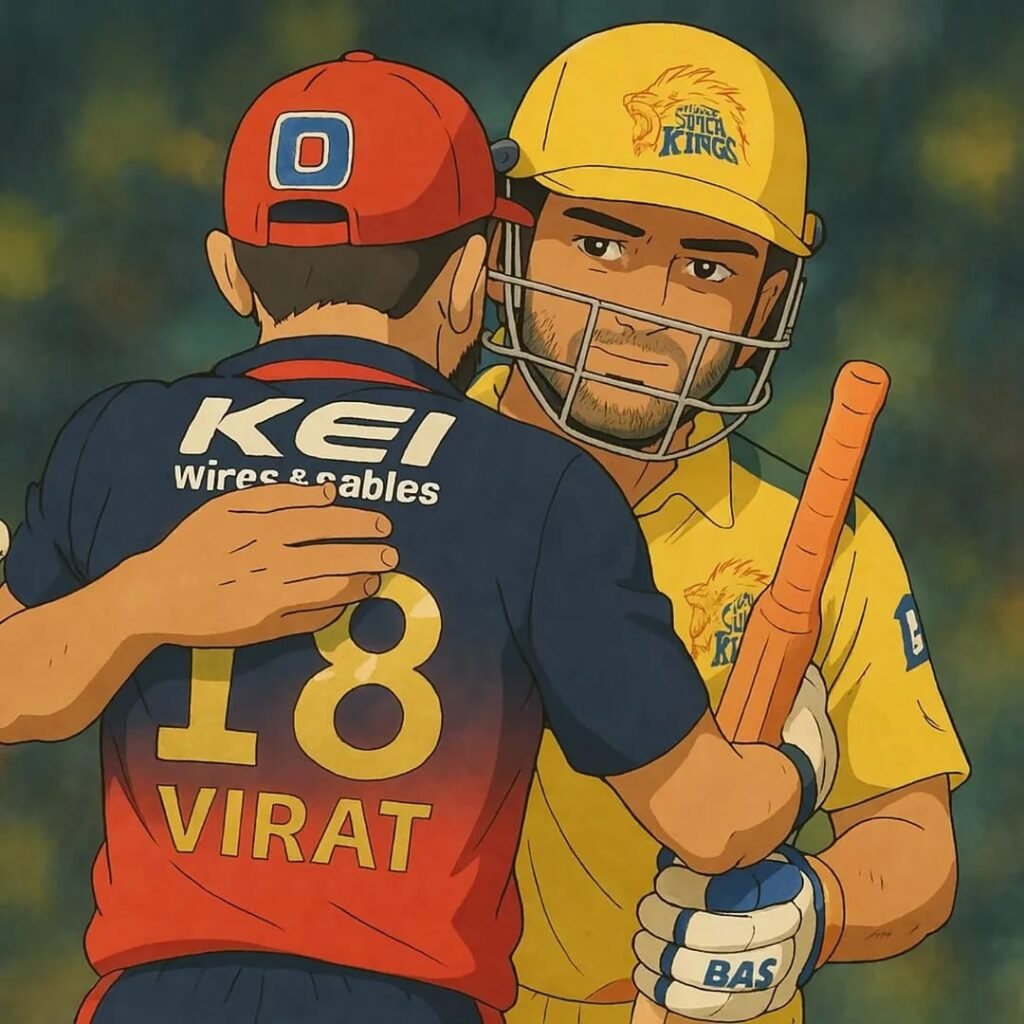
Hey there! Want to turn your photos into magical Ghibli-style artwork? You know, like those dreamy scenes from Spirited Away or My Neighbor Totoro?
Good news—you can do it with ChatGPT, and it’s easier than you think! I’m here to walk you through every step. No fancy skills needed, just a little creativity.
Let’s make some Ghibli magic together!
Ghibli Art Photo Creator Prompts
Turn this image to Ghibli art. Convert this image to Studio Ghibli Portrait. What’s a Ghibli-Style Image?

First things first—what’s this Ghibli vibe all about? Studio Ghibli makes amazing animated movies. Think soft colors, pretty forests, and a sprinkle of wonder. Their art feels warm and alive. Now, with ChatGPT, we can copy that style for free. It’s so much fun! Ready to try?
Why ChatGPT?
ChatGPT isn’t just for chatting anymore. It’s got a cool new trick—making images! With its GPT-4o update, you can create or tweak pictures right in the app. It’s simple, fast, and free to start. That’s why it’s perfect for making Ghibli-style images. Plus, you can do it all online. No downloads needed!
Steps To Create Ghibli-Style Images in ChatGPT
Let’s get to the good stuff. Here’s how to make your own Ghibli-style images. I’ll keep it super clear and easy.
Step 1: Open ChatGPT
- Grab your phone or laptop. Anything with internet works.
- Go to chat.openai.com.
- Log in. No account? Sign up—it’s free and quick.
- Make sure you’re using GPT-4o. Check the little menu at the top. That’s the one that does images!
Step 2: Pick Something to Work With
- Got a photo? Awesome! Use a selfie, your pet, or even a tree outside.
- No photo? No problem. You can describe something instead—like “a cute fox in a forest.”
- Clear pictures are best. Blurry ones don’t work as well.
Step 3: Write a Simple Prompt
- A prompt is just what you tell ChatGPT to do. It’s like giving it directions.
- For a photo, try this: “Turn this picture into a Ghibli-style image with soft colors and a pretty forest.”
- For a new idea, say: “Make a Ghibli-style scene of a girl by a lake with flowers and a breeze.”
- Add words like “dreamy,” “gentle,” or “magical” to get that Ghibli feel.
Step 4: Add Your Photo (If You Have One)
- See the paperclip button? Click it.
- Upload your photo. Easy peasy.
- Type your prompt right after. ChatGPT will mix them together.
- Heads-up: Sometimes it won’t change real people’s faces. That’s a safety thing. Try a different photo if it says no.
Step 5: Hit Go and Watch the Magic
- Press “Enter” after your prompt. Now wait a sec.
- ChatGPT takes like 10-30 seconds to make your image.
- Boom! There’s your Ghibli-style art. Free users get a few tries a day, so make them count.
Step 6: Fix It Up (If You Want)
- Love it? Great! Not quite right? Tell ChatGPT what to change.
- Say stuff like “Add more trees” or “Make it brighter.” Then hit “Enter” again.
- Keep playing until it’s perfect.
Step 7: Save Your Masterpiece
- On a computer, right-click the image. Pick “Save Image As.”
- On a phone, hold the picture and tap “Save.”
- Done! Now you’ve got a Ghibli-style image to show off.
Extra Tips for Awesome Results
- Be clear in your prompt. More details = better pictures.
- Try fun ideas! Like “my cat flying with balloons, Ghibli-style.”
- Don’t overthink it. Simple prompts work too.
- Check out our Prompt Ideas on PromptSeen.com for more inspo!
Why This Is So Cool in 2025
This Ghibli trend is huge right now. Why? ChatGPT’s new image powers dropped in March 2025, and everyone’s loving it. Plus, Studio Ghibli’s 40th birthday is making people extra excited. It’s the perfect time to jump in!
A Little Heads-Up
Some folks say AI art isn’t as special as Ghibli’s real stuff. Hayao Miyazaki, the Ghibli genius, isn’t a fan—he loves the human touch. I get that. But I think this is just a fun way to play with their style. It’s not about replacing anything. It’s about creating something new!
Show Off Your Ghibli Art
Made something cool? Share it with me! Post it on X with #GhibliStyle and tag @PromptSeen. I’d love to see what you come up with. Maybe I’ll even feature it here on PromptSeen.com!
Wrap-Up: Start Creating Today!
That’s it—you’re ready to make Ghibli-style images in ChatGPT. It’s free, it’s easy, and it’s super fun. Grab a photo or an idea, head to ChatGPT, and let’s get started. Want more tips? Check out our AI Art Guides or Prompt Library right here on the site.
What’s your first Ghibli idea? Tell me in the comments below—I can’t wait to hear!