Free Fire fans know the thrill of showing off their in-game profile, characters, and achievements. Lately, Instagram reels and gaming edits are going viral — especially when they look cinematic and personal. The best part? You can create the same style of edits yourself using AI and a few powerful prompts.
In this guide, I’ll give you ready-to-use ChatGPT prompts for Free Fire AI photo editing, plus step-by-step instructions so your edits have the best chance to go viral.
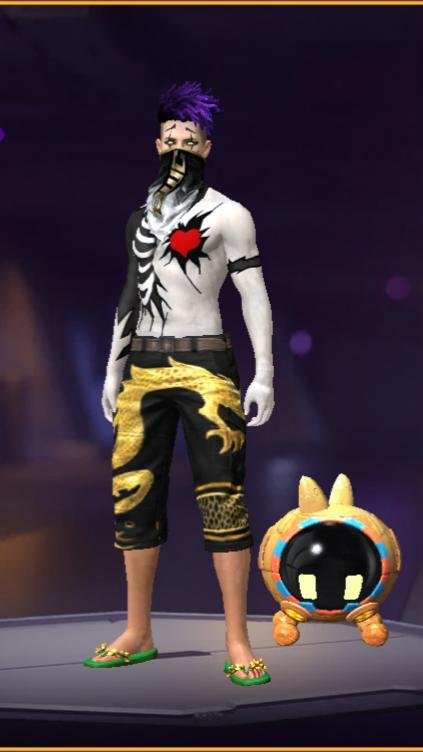
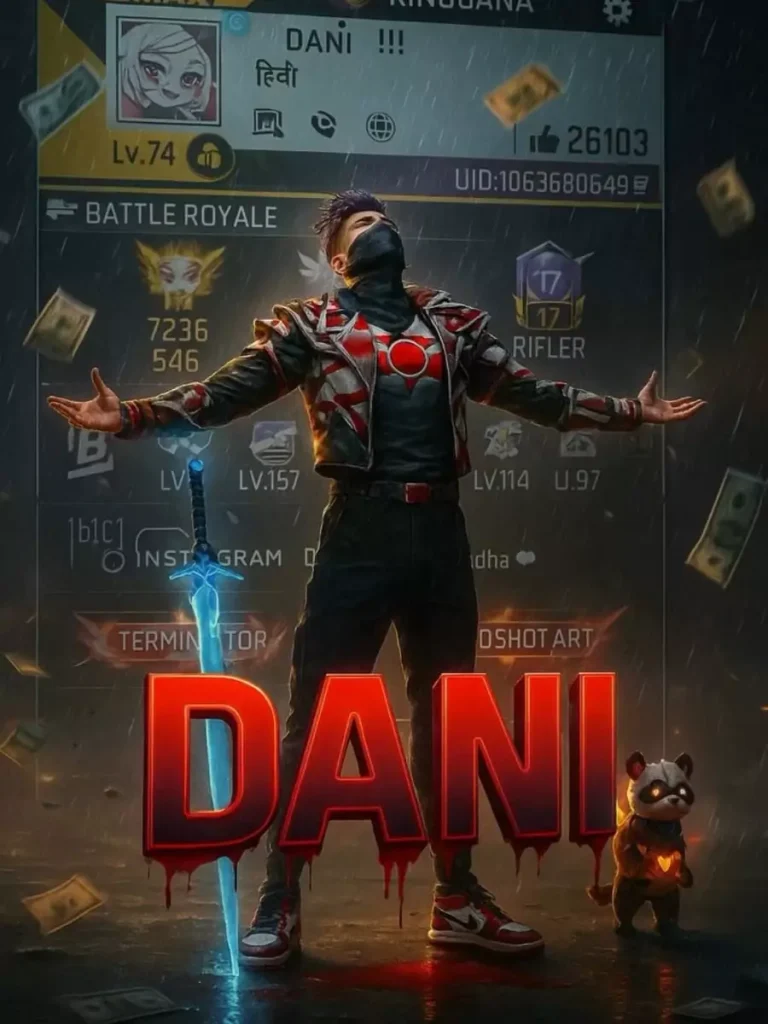
Create a cinematic digital poster for a Free Fire MAX player. In the background, clearly display the uploaded profile screenshot without hiding or blurring any part. The image should remain sharp and readable every detail that naturally appears in the profile (such as stats, icons, text, badges numbers, tags, button) must be fully visible . In the foreground, place the uploaded character image standing in a proud, victorious pose – with both arm stretched outword (T-pose). The character’s head is tilted slightly upward, facing the sky, given a heroic and thankful expression. Include a glowing blue sword by his side and his pet standing nearby. Add a dramatic rain, flying money, and soft shadows to enhance the atmosphere. Use contrast to make sure both and the profile are clearly visible and not overlapping confusingly. In the centre of the poster overlay bold, glowing, 3D gaming-style text “(MR_SUMIT)” with a bleeding black red blood and blood must come from text to down side floatinYou can copy these prompts and paste them directly into ChatGPT (or other AI image tools that support image uploads).
9:16 digital gaming postar for free fire max player use the uploaded in game profile screenshot as the full background without hiding. Ensuring the entire profile remains clear, not blurry and fully visible like including the player name, uid leval badges weapons, and all interface elements. Place the uploaded character image at the center in a confident arms-crossed pose preserving the exact appearance-including outfit, mask hairstyle, and accessories as showe in the reference. Also subtly embed a small watermark text (TACH !!?) Where in the image with low opacity so it’s barely noticeable, but still present. Apply digital effects such as glowing rim light around the character, file sparks, glitch strikes, floating coins or cash nion glow, embers and high-energy visual enhancements to create a heroic and legendary geming atmospherHow to Use These Prompts
- Open ChatGPT or your AI image tool.
- Upload your profile screenshot and character image.
- Paste one of the prompts above.
- Click Generate.
- Save your final image.
Tip: If your face doesn’t align perfectly when using your real photo, you can fix it with face-correction apps like Remini or FaceApp.
Free Fire AI photo editing is an easy way to showcase your style, gaming skills, and personality. With the prompts above, you can create stunning posters in minutes — and maybe even see your edits trending on Instagram.
Now it’s your turn — grab your screenshots, paste a prompt, and let AI make your Free Fire poster shine.