Mini vlogs are trending hard right now — especially on Instagram Reels and YouTube Shorts.
And one of the easiest ways to make your mini vlog look cinematic and professional is by using VN app with preset codes.
In this guide, you’ll learn step-by-step how to create a viral mini vlog using VN video editor — from filming to final export.
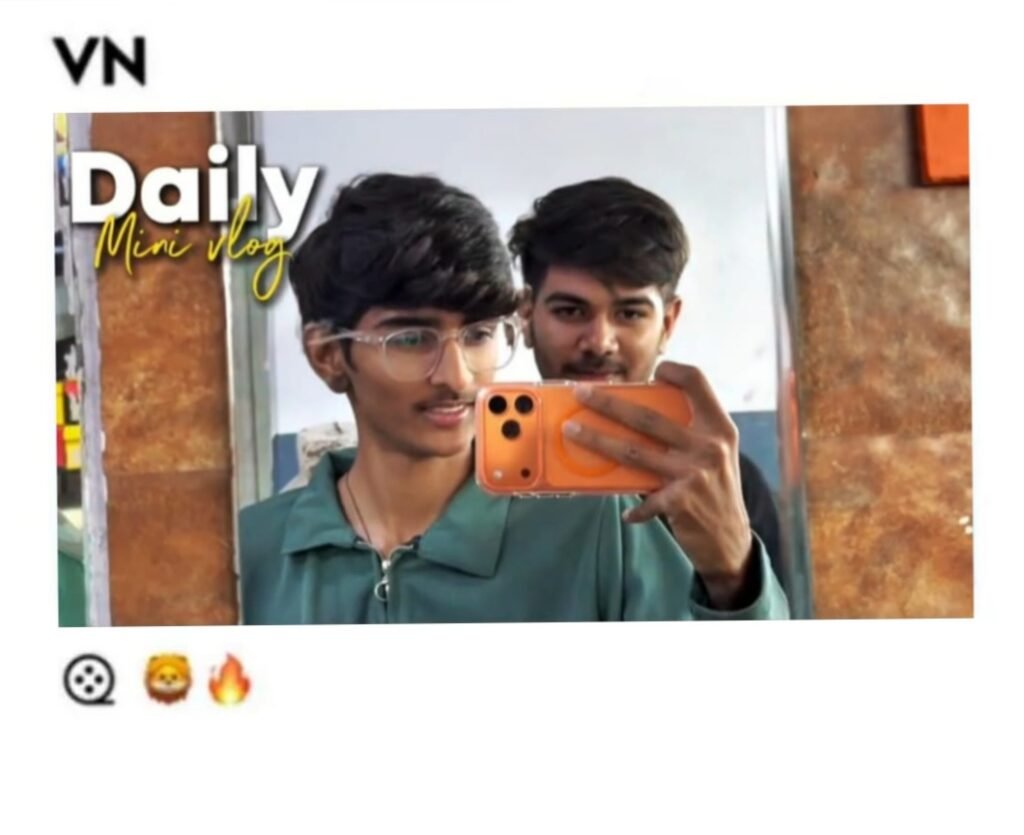
How to use a VN Code:
Open your project in VN
Tap on “Filters” in the bottom toolbar
Look for “Enter Code” or “Import” option
Type in the code — the preset will load automatically
Adjust the intensity slider to taste
Creating a viral mini vlog does not require expensive gear or advanced editing skills. All you need is good B-roll footage, the right VN code, and a trending track.
VN app is completely free and the preset code system makes it easy for anyone to achieve a cinematic look in minutes.
Try one VN code today, edit a quick mini vlog, and post it. You might be surprised how well it performs.