If you’ve been scrolling Instagram lately, chances are you’ve already come across those emotional, beautifully edited Reels made on the Kitab Likhunga song. The track has taken over everyone’s feeds — and for good reason.
It hits different. Whether you’re thinking about a past relationship, a crush, or someone you truly love, this song brings out feelings that most people don’t know how to put into words.
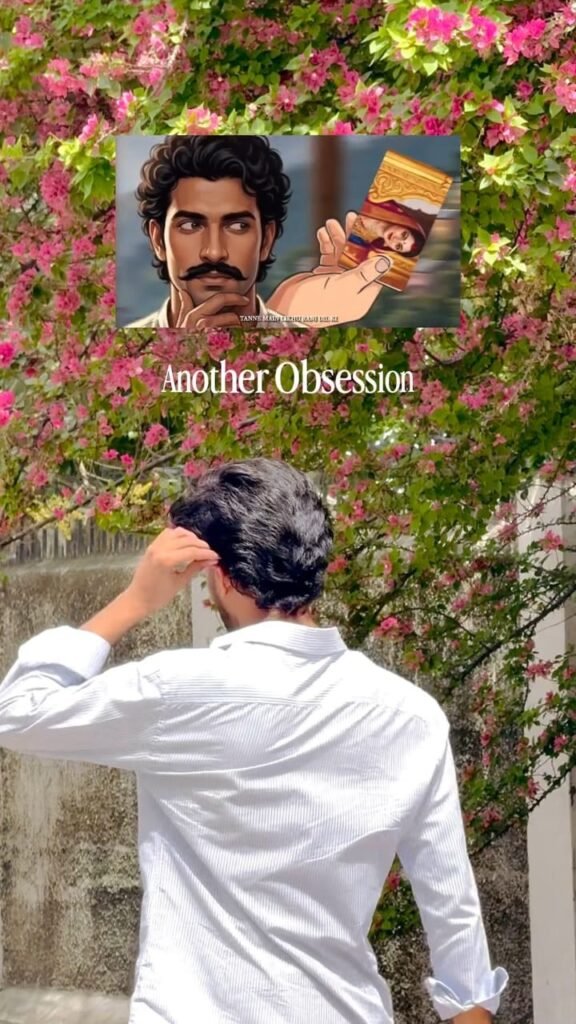
If you haven’t used VN (Video & Photo Editor) before, here’s a quick breakdown. VN is a free editing app available on both Android and iOS. It’s popular among Reel creators because it’s lightweight, beginner-friendly, and doesn’t watermark your videos.
Save the VN Code image above to your phone’s gallery, then follow the steps below to use it.
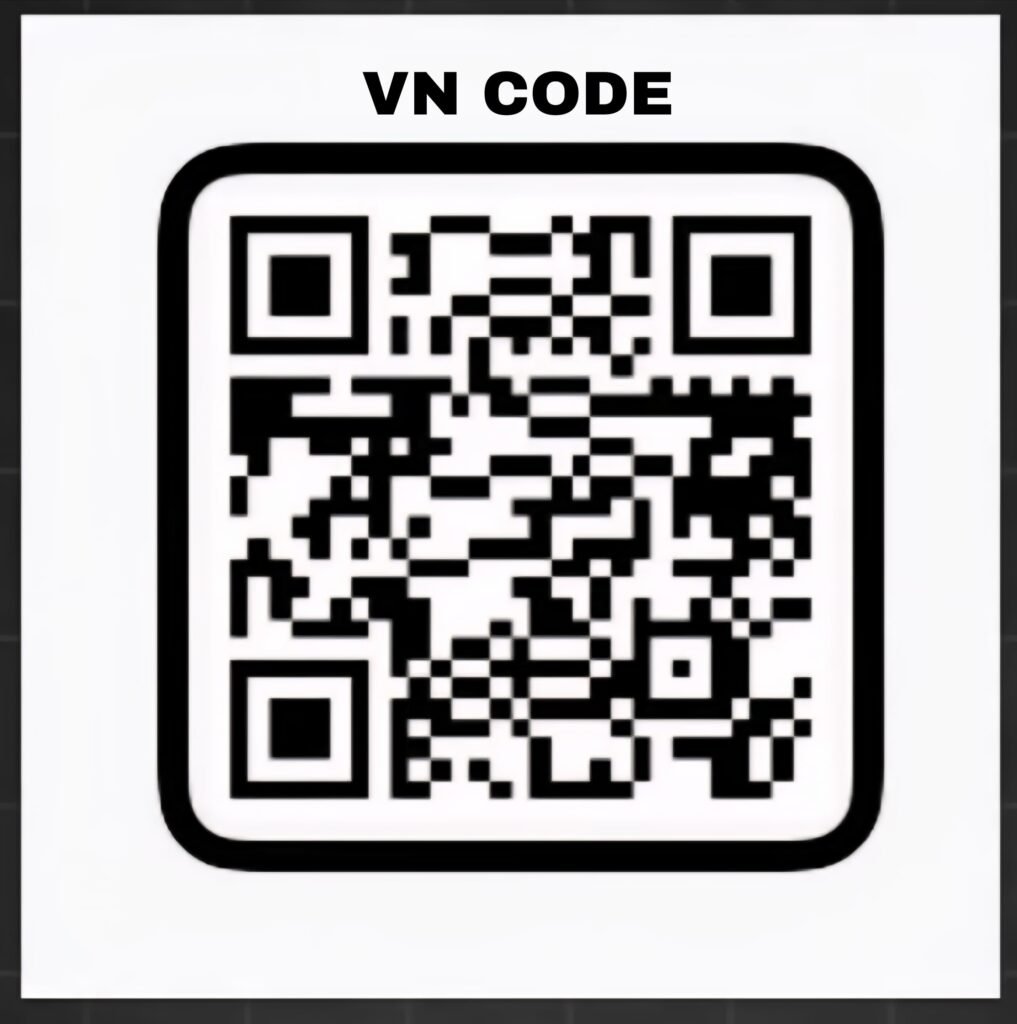
How to Make the Reel —
Step by StepFollow these steps and you’ll have your Reel ready in under 10 minutes:Download VN App
— Search for “VN Video Editor” on the Play Store or App Store and install it for free.Save the VN Code
— Download the template code image from this article and save it to your gallery.Open VN and Tap the Scanner
— On the home screen of the VN app, look for the scanner/QR icon in the top right corner and tap it.Select the Code from Gallery
— Instead of scanning with your camera, choose the option to pick the VN Code from your gallery.Download the Template
— Hit the download button once the code loads, then tap Use Template.Add Your Photos or Videos
— The template will ask you to import your clips. Select the photos/videos you want to use.Make Adjustments if Needed
— You can fine-tune clip lengths, add captions, or tweak any element before exporting.Export and Post
— Tap Export, save to your gallery, and upload directly to Instagram.That’s it. The whole process takes less time than watching the song once.